cross-posted from: https://reddthat.com/post/60687449
My brother recently gave me a birthday gift: A Dell 27 Plus 4K Monitor - S2725QS - 27-inch 4K (3840 x 2160) 120Hz so we can play Warzone together.
No matter what I do, it doesn’t seem to run 120 frames per second on this monitor.
I’ve looked at endless videos, articles, and blog posts.
The weird thing is that we also play Battlefield 6, and I can get it running at 120 fps there.
Why is this happening? Do I need a 144Hz monitor instead to be able to reach 120 fps? Any and all help is appreciated. Thank you.
1 and 2 are good.
For #3, I had jumped back into cod a couple years ago for a single title. But I quickly learned they’d become notorious for hiding settings and changing where things were after updates.
So as general advice when looking for settings:
Find a recent YouTube video (so it’s the same patch) talking about that setting, watch the video just to see where exactly they go to get to the setting.
Like, there’s no way it’s a setting on everyone else PS5 version and just not yours, it’s hidden in a stupid way that you just haven’t thought of yet, but most people would have tried first so no one mentions in guides.
Once you do that, then you’ll see the black screen, it’s just the GPU changing refresh rates
I seriously feel like I’m going crazy. I completely agree that there’s no way it’s just me, but I can’t for the life of me figure it out.
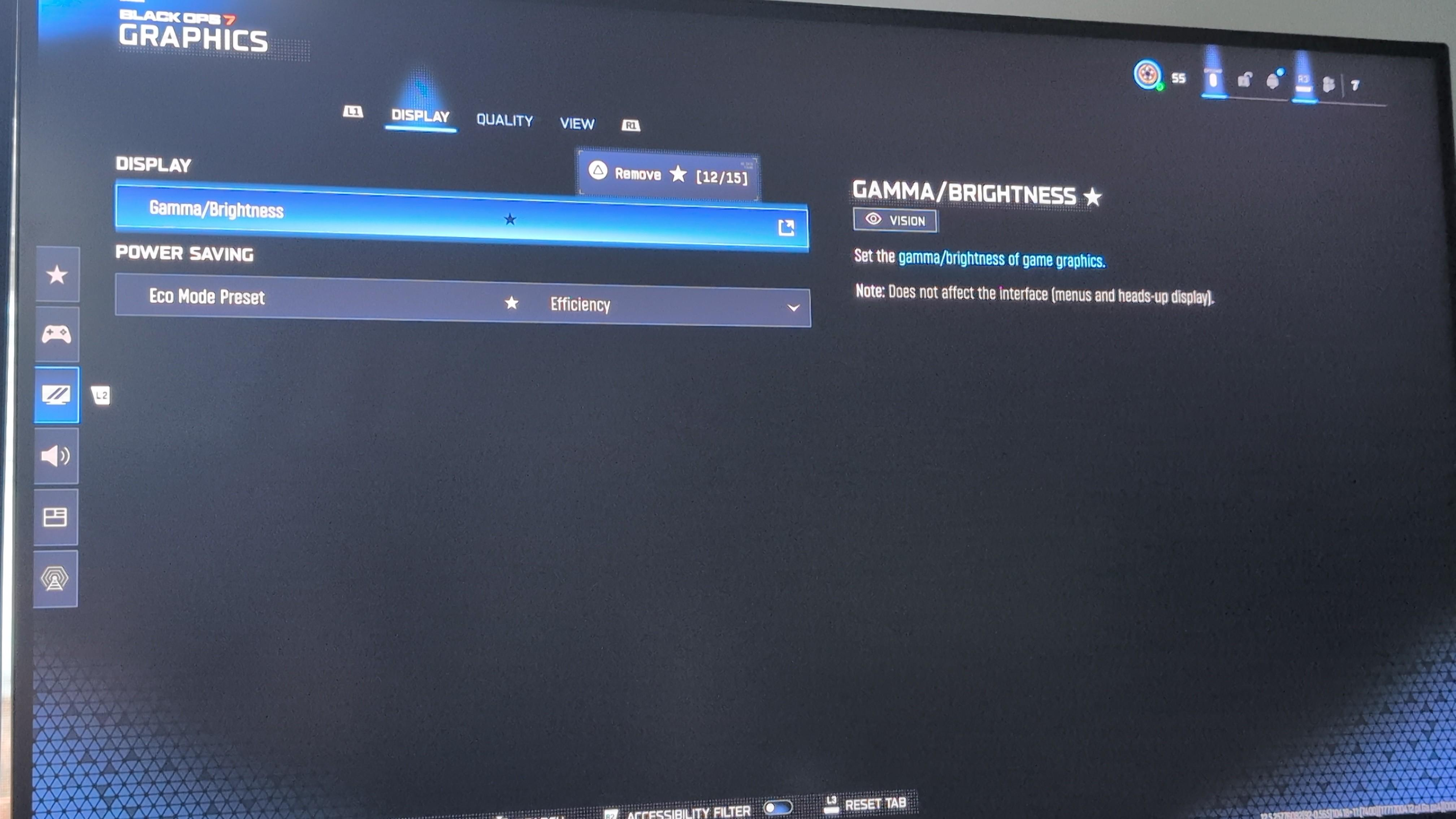
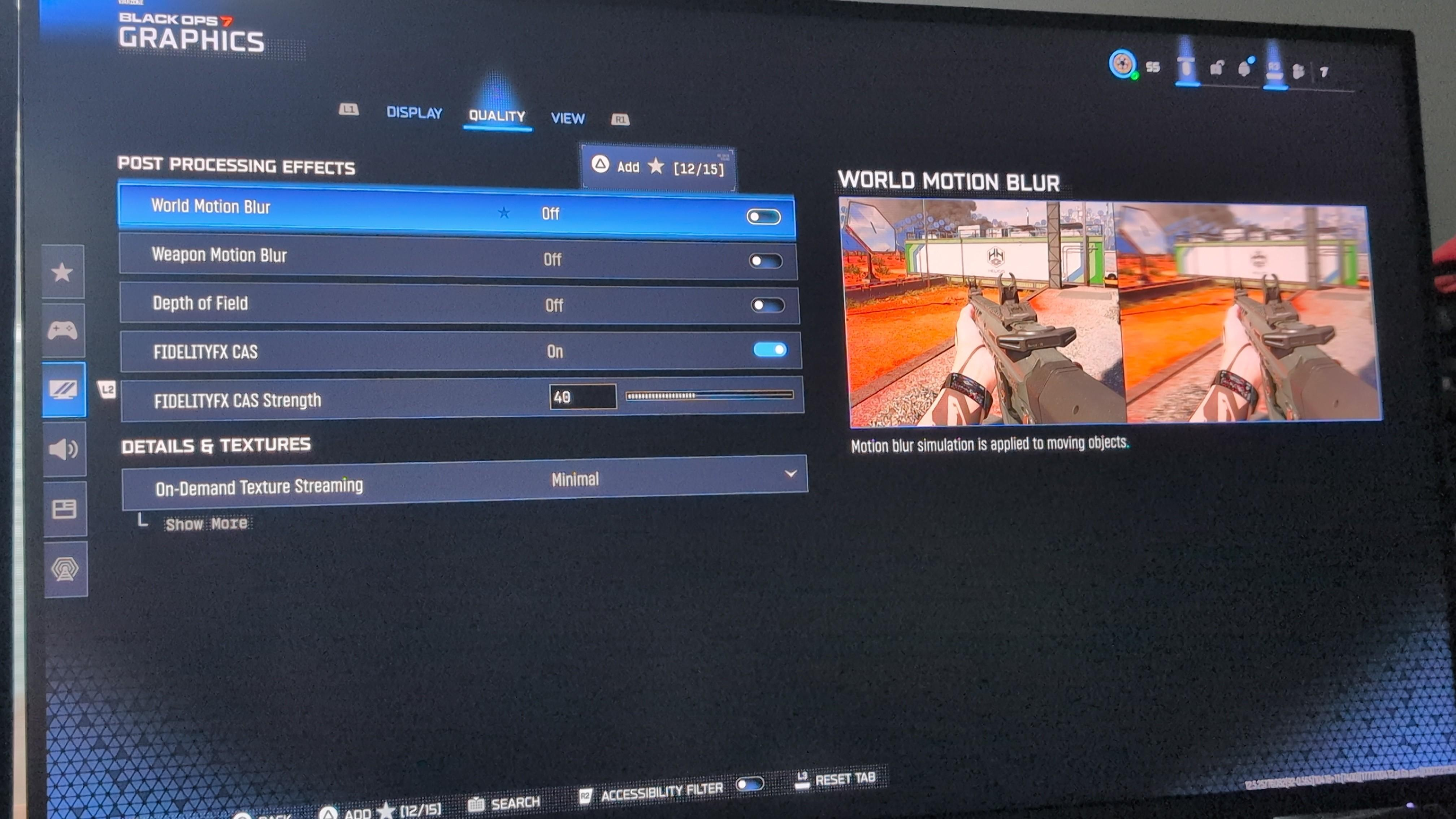
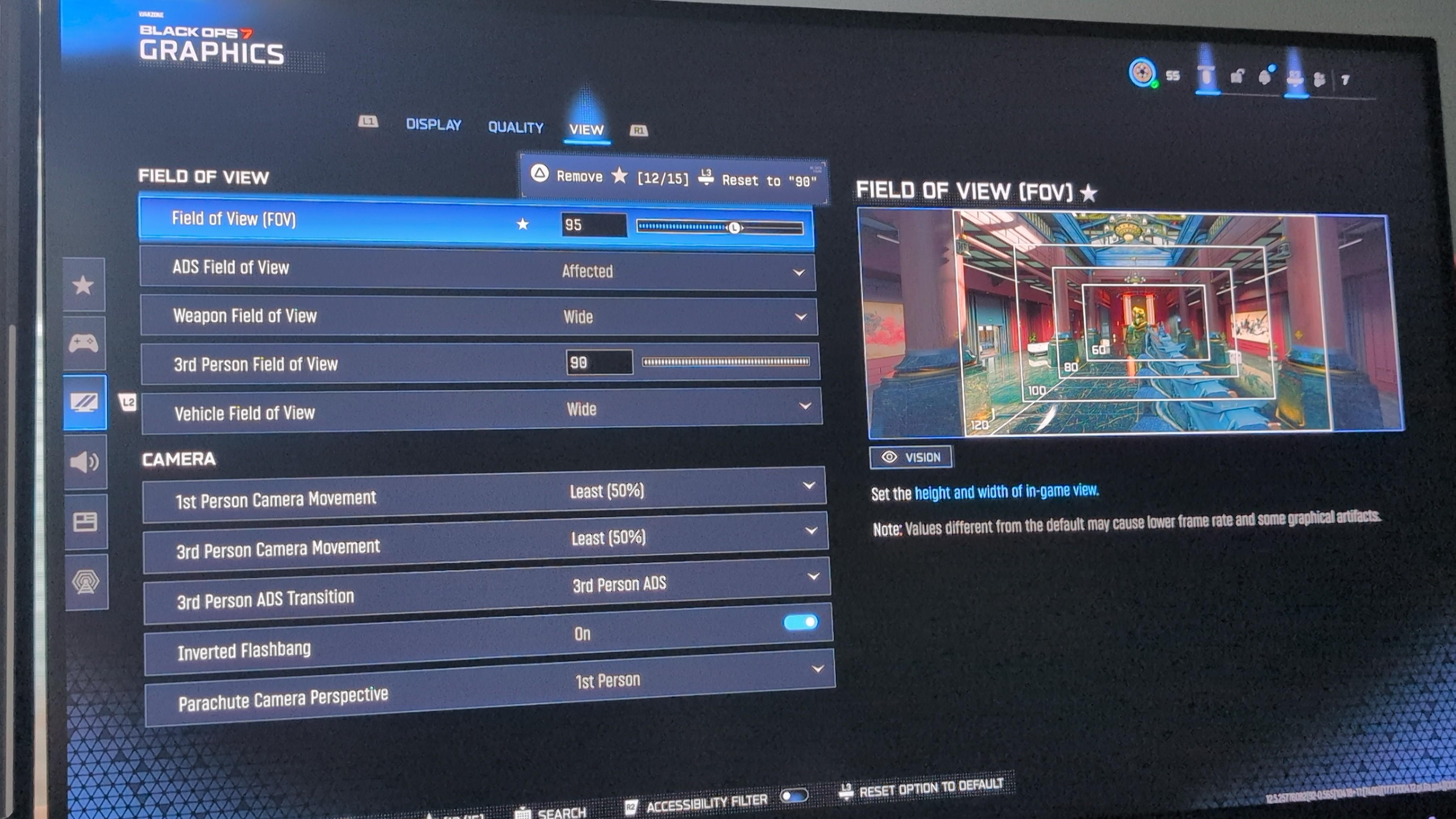
Look at all 3 Graphics tabs settings: